The Short Answer on Base44 vs Lovable
Pick Base44 if you are a non-technical founder who wants a working app with sign-in, a database and hosting in one product, and you accept that the backend stays on Base44. Pick Lovable if you expect to hand the product to developers later, because it writes a standard React codebase into a Git repository you own, on a Supabase-based backend that can move to your own account. For an MVP you plan to grow into a company, I would pick Lovable.
That recommendation flips for one kind of product. If the first version is an internal tool, a client portal or a paid pilot for twenty users, and nobody on your side wants to think about a database, Base44 gets you there with fewer decisions. It also has a store submission flow for iPhone and Android that Lovable does not have.
Both tools build web apps from a chat. The difference is what you are left holding afterward. Everything below comes from each vendor's own pricing and docs pages as I read them on November 12, 2026. Both change their plans often, so check before you pay.

What Each One Generates and Where It Runs
Base44 is one hosted product. You describe the app and it creates the screens, the data tables, sign-in, file storage and hosting together. Its pricing page lists an "integrated backend and database system" and "authentication and user management" on every plan, including Free. You never pick a database or a host, because Base44 is both. Wix bought the company in June 2025 for an initial $80 million plus earn-outs, and it still runs under its own name and its own pricing.
Lovable generates a codebase and then hosts it for you. Projects created since May 13, 2026 use TanStack Start, a React framework that can run server code. Older projects are React with Vite and build to static files. The backend is Lovable Cloud, which the docs describe as built on Supabase's open-source foundation: a Postgres database, sign-in, storage, realtime and edge functions. You can also connect a Supabase project of your own, and since October 20 Lovable can create one for an app that has no backend yet.
A founder who has never heard the word Postgres is comfortable in Base44 on day one. In Lovable the same founder will meet words like migration and policy by the second week. That is the cost of working on a stack developers already know.
If you are also weighing Bolt or v0, our comparison of v0, Bolt and Lovable covers those two against Lovable.
Code Ownership and Export
This is where the two differ most, and it is the part founders tend to skip.
Lovable
Git sync is available on every Lovable plan, including Free. It works with GitHub, GitLab and Bitbucket Cloud, and it runs in both directions: edits made in Lovable are committed to your repository, and commits pushed to the synced branch show up in the project. The repository lives in your account and stays intact if you disconnect. A zip download of the code needs a paid plan.
There are limits. You cannot import an existing repository into Lovable, each project links to one repository, and only one branch syncs at a time. The repository holds source files, so your database and uploaded files are exported separately.
Base44
Base44 has two-way GitHub sync too, and its docs say it requires the Builder plan or higher. The repository carries more than screens. Per the developer docs, front-end code, backend functions, entity definitions and agents all sync, and you can run the front end locally with the Base44 CLI.
What the repository does not give you is a place to run the app without Base44. The database, sign-in and function runtime are Base44 services, and the docs describe publishing only through Base44. So you own a copy of the code, and the working product still depends on one vendor. Base Code, its newer cloud workspace for an existing GitHub codebase, is a separate product. The docs say it adds no Base44 entities or login and is not production hosting.
My read: with Lovable you can leave and keep the app. With Base44 you can leave and keep a detailed reference for rebuilding the backend. For a weekend prototype that does not matter. For a product with paying customers it decides what your first engineering hire spends a quarter on.
Pricing and How the Credits Work
Base44 plans
Base44's pricing page shows annual billing and says annual saves 20 percent, which puts month-to-month prices at $20, $50, $100 and $200.
- Free: 25 message credits a month, capped at 5 a day, and 100 integration credits. Up to 5 apps.
- Starter: $16 a month billed annually. 100 message credits and 2,000 integration credits. Adds in-app code edits and a custom domain.
- Builder: $40 a month billed annually. 250 message credits and 10,000 integration credits. Adds GitHub integration and a choice of AI model. Store files for mobile also start here.
- Pro: $80 a month billed annually. 500 message credits, 20,000 integration credits.
- Elite: $160 a month billed annually. 1,200 message credits, 50,000 integration credits.
Message credits pay for building. Base44's docs put a simple text or visual change at about half a credit and a large app-wide change at 3 to 4. Integration credits pay for what your live app does with built-in services: roughly one credit per email, per file upload or per basic AI call, and about one credit per 100 backend function runs. Database reads and writes are not charged. Unused credits expire at the monthly reset.
When integration credits run out, the docs say actions that need them fail, backend functions stop, and your users see a generic error. Watch that balance once real people are in the app.
Lovable plans
- Free: 5 build credits a day, capped at 30 a month.
- Pro: from $25 a month for 100 credits, or $250 a year. Adds custom domains, code editing and download, and removal of the Lovable badge.
- Business: from $50 a month for 100 credits, or $500 a year. Adds SSO, role-based access and the Security center, and excludes workspace data from model training by default.
Pro and Business scale by credit tier, so 400 credits on Pro is $100 a month. Paid plans keep the 5 daily build credits on top of the monthly amount, and pricing is per workspace with unlimited members, not per seat. Lovable's docs give sample build costs: a color change is 0.50 credits, adding authentication is 1.20, a landing page with generated images is 2.00. Since September 21, chatting without building is free within a daily allowance. Monthly credits expire two months after they are issued.
The part that changed this year is running costs. Since June 1, 2026 Lovable uses one credit balance for building the app, hosting it and running the backend and AI features. Each plan currently includes monthly grants of 20 Cloud credits and 4 AI credits, which Lovable labels temporary. The docs name what drives Cloud usage (database size and uptime, storage, network, compute), but I did not find a per-unit rate card there. Watch the usage page in your first month with users.
What a first version costs
My own estimate, from the per-message costs above: a first version with sign-in, five or six screens and a payment flow takes a few hundred build credits on either tool, more if you change direction twice. Plan on $50 to $200 in total across the first two months. If GitHub matters to you, Base44's real entry price is Builder, at $40 a month on annual billing or $50 month to month, while Lovable includes Git sync at $0.
Speed to a Working Demo
Both get you a clickable app the same afternoon. Base44 is faster to something that works end to end, because sign-in, data and hosting arrive without a single decision.
Lovable is as quick to the first screen and a little slower to the first saved record, since a backend has to be switched on and you will be asked to approve database changes. In exchange, you can open the code at any point.
If the goal this week is a demo for an investor or ten customer interviews, either works. Speed to a demo is the least useful way to choose between them. Month three is where they separate.

Integrations and Payments
Payments are the integration that matters first, so start there.
Base44 sets up Stripe through a test sandbox that you claim with your own Stripe account, and it documents PayPal as well. Subscriptions are supported. Two details from the docs: the checkout flow only runs on your published app, not in the editor preview, and calling Stripe does not use integration credits, though the backend functions around it do.
Lovable has built-in payments on paid plans with a choice of Paddle or Stripe, one provider per project. Paddle acts as merchant of record, which means it is legally the seller and handles sales tax and invoices for you. Lovable's docs list Paddle's fee as 5 percent plus 50 cents per transaction, with Stripe at its standard rates, and say Lovable adds nothing on top. On the Free plan you can connect your own Stripe account instead. Connectors for Mollie and PayPal were added on November 3 and November 8.
For a founder selling software to customers in several countries, a merchant of record removes a tax registration problem you do not want in your first year. That is a point for Lovable.
Outside payments, both connect to outside services through connectors or your own API keys. Base44 bundles email, file handling, image generation and AI calls as built-in services you pay for in credits. Lovable leans on a growing connector list, with Jira, Mailjet and Sentry added this month.
Whichever you choose, have a developer read the payment code before real money moves. A generated checkout handles the customer who pays on the first try. Failed cards, refunds and plan changes are where it goes wrong.
Security and Data Access Defaults
Both tools let the AI write the rules for who can read which record. That is convenient, and it is the main risk with either one.
In Base44, the docs say the AI adds data permissions in the same step that it creates a table, based on who the data belongs to. You can then edit them. There are four rule types: all users, creator only, a comparison between a field on the record and the signed-in user, and a check on a user property such as a role. App visibility is a separate setting with three options: private, workspace or public. A security scan covers dependencies, exposed secrets and backend functions, and static code analysis is added from the Builder plan. Base44 lists SOC 2 Type II and ISO 27001 certifications, and its docs are direct about the rest: "You are responsible for your app's security settings."
In Lovable, access control is Postgres row-level security, the same mechanism any Supabase project uses. A Quick scan runs every time you publish and flags tables without per-record access rules and rules that let everyone through. A Deep scan reviews the application code for access control, leaked secrets and payment logic, and you start it yourself. The docs say plainly that these tools "do not replace a thorough security review."
Two practical differences. Lovable's rules are standard SQL policies that any backend developer can read and test, and schema changes are now recorded as migration files in your repository. Base44's rules live in its own format inside its platform, which is simpler to look at and harder to audit with outside tools.
Do the same test on either: make two accounts, create data in the first, and try to open it from the second, including by pasting the record's link. If it loads, stop building and fix that first.
The Mobile App Story
Neither tool builds a native app. Both build responsive web apps that run in a phone browser.
Base44 goes one step further. It can generate store files so your app can be submitted to the App Store and Google Play. The docs are clear about what that is: "Your mobile app runs your published Base44 app inside a secure web view." You need your own Apple Developer and Google Play accounts and the Builder plan or higher. Push notifications are supported. The docs also list what is missing: full offline mode and HealthKit are not supported, the app stays in portrait, ad networks are out, and in-app purchases are not supported, so you cannot sell subscriptions or other digital content inside the store app.
Lovable's docs have no store submission flow. There are Lovable iOS and Android apps, and those are for building and reviewing your projects from a phone. Because you hold the code, a developer can wrap a Lovable app in a native shell and submit it. That is their work, with no button for it.
So if a store listing is a requirement for a pilot, Base44 has the shorter path. If the phone app is the product, with a camera, offline use, subscriptions through Apple or anything that has to feel native, neither is the tool. Use one of them to prototype the flows and plan a React Native or native build for the real thing.
When You Outgrow It and Hand It to Developers
Every app that finds customers reaches this point. The same bug returns after each fix, a customer asks for something the builder cannot do, or a contract calls for a security review.
With Lovable, the handover is a repository invite. A developer clones the code, runs it locally, and sees a React app on Postgres, which is a stack most web developers have worked on. Moving the backend off Lovable Cloud to your own Supabase project is possible and manual. The docs say you export and restore the database, move storage files, and set up sign-in, secrets and outside services again. It does not go the other way, so if you start on your own Supabase project you stay there. The generated code will still need cleanup, on a codebase any web developer can read.
With Base44, a developer can work in the synced repository and push changes back. The ceiling is the platform. Once you need your own infrastructure, a database you can query directly or a compliance setup Base44 does not offer on your plan, the move is a rebuild of the backend with the old app as the spec. That is slower and costs more than a Lovable handover.
If your Base44 app is already misbehaving, we wrote a separate guide on when to hire a developer to fix a Base44 app, including the cases where you should not.
Which One for Your Product
- An internal tool for your own team: Base44. Sign-in, roles and data in one place, nobody outside the company touches it, and Starter covers it.
- A client portal or a paid pilot for a few dozen users: Base44 on Builder, with GitHub sync turned on from the first day.
- A SaaS MVP you intend to raise money on: Lovable. Investors and your first engineer will both ask where the code lives, and a repository on a known stack is the right answer.
- A product selling subscriptions across several countries: Lovable with Paddle, so tax and invoicing are handled by the merchant of record.
- A marketing site with a waitlist: Lovable on Free or Pro. You do not need a bundled backend for a form.
- A web app that needs an App Store listing for a pilot, with no digital goods sold inside it: Base44 on Builder, using the store wrapper.
- A consumer mobile app: neither for the product itself. Prototype the flows in whichever you like, then build it natively.
- Anything with health, financial or children's data: either one for a demo with fake data only. Get a developer to review access rules before a real record goes in.
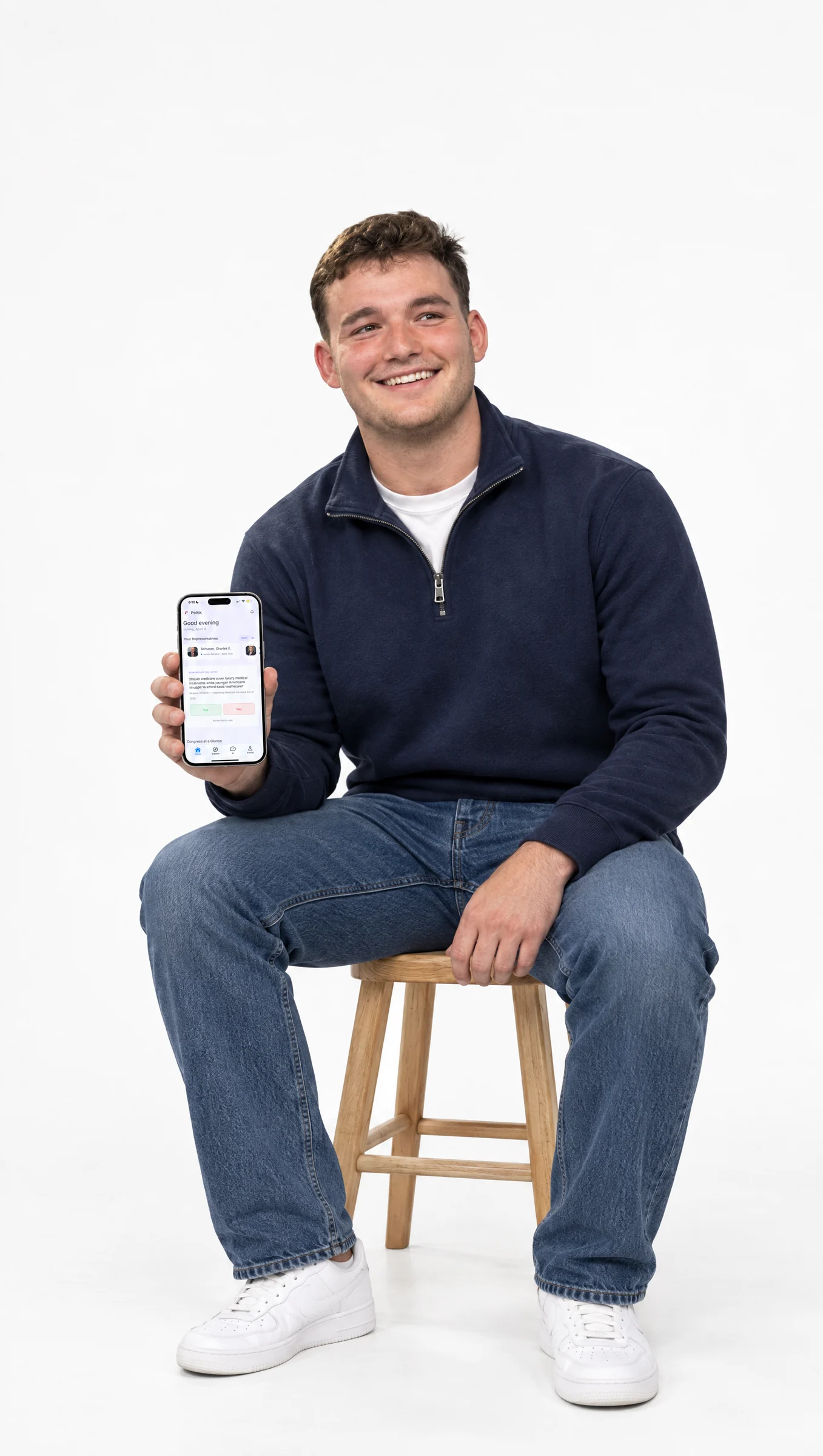
That mobile row comes from experience. Politik, a civic app we built with three founders who had never shipped software, is a React Native app with a Node.js backend. It reached the App Store in under three months, had 4,000 users on launch day and hit #2 on the App Store. A web view wrapper would not have carried that product. The full story is on the Politik case study.
The builder is one decision among several. What goes into the first version, and what stays out, will move your launch date more than the tool does. Our guide on how to build an app with AI walks through the steps and where these tools stop, and it is the next thing to read. Kanopy helps founders pick a stack and build the product on it, so if you want a second opinion before you commit to one, Book a free strategy call.